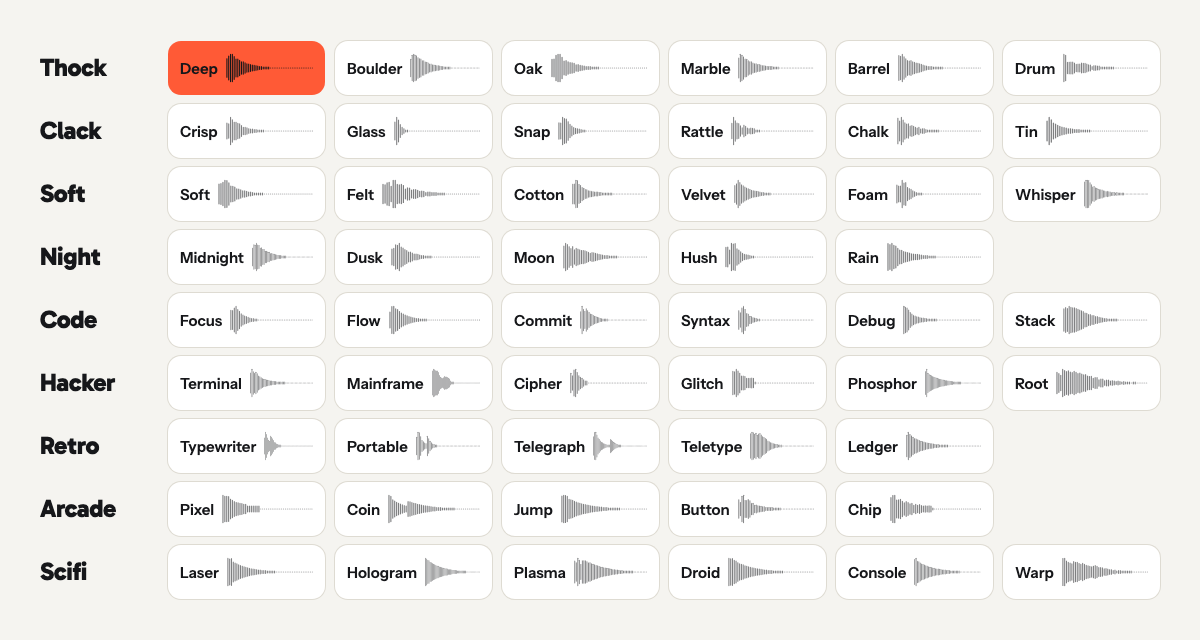
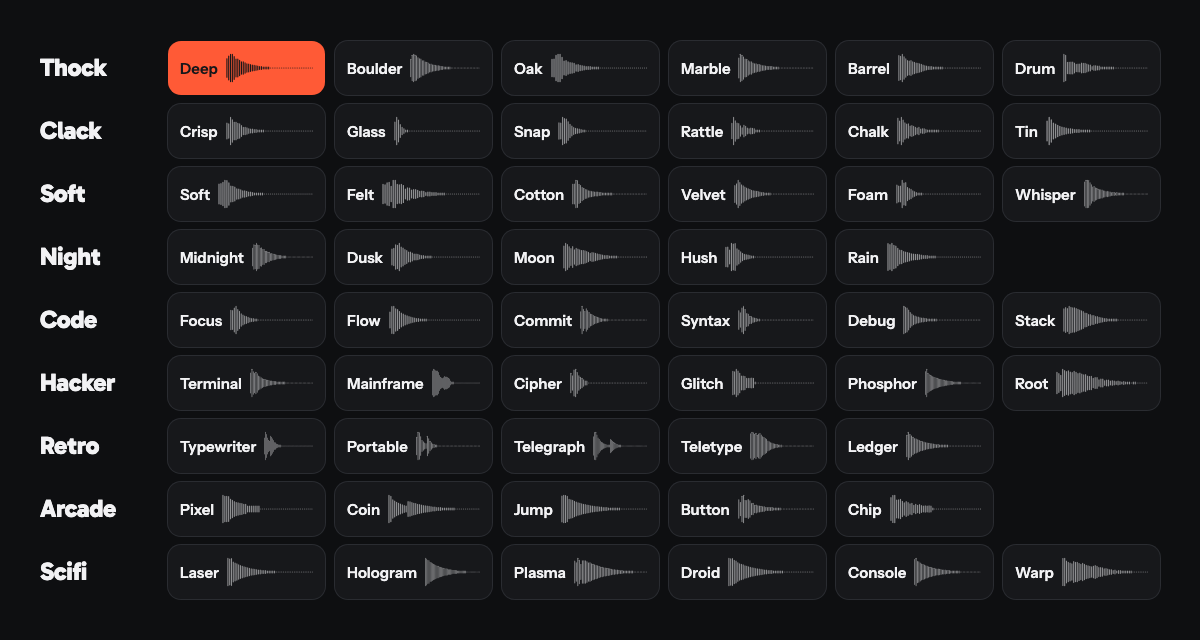
51 packs, no two alike
Thock, Clack, Soft, Night, Code, Hacker, Retro, Arcade and Scifi. Every pack is measured against its neighbours, so two packs in one category never blur into the same sound.
Teclo plays a mechanical keyboard sound for every key you press, in any app. 51 sound packs, and a small keycap pet that gets happier the faster you type.
Press the orange keys, or just start typing. It wakes up.
These are the sounds the app plays, exported straight from its synthesizer. Pick a pack, then type on your keyboard or tap the keys.
0 wpmasleep
Deep Thock
Low and rounded.
255 Hz centre · 85 ms press
A lot of sounds, one pet, and not much else to think about.
Thock, Clack, Soft, Night, Code, Hacker, Retro, Arcade and Scifi. Every pack is measured against its neighbours, so two packs in one category never blur into the same sound.
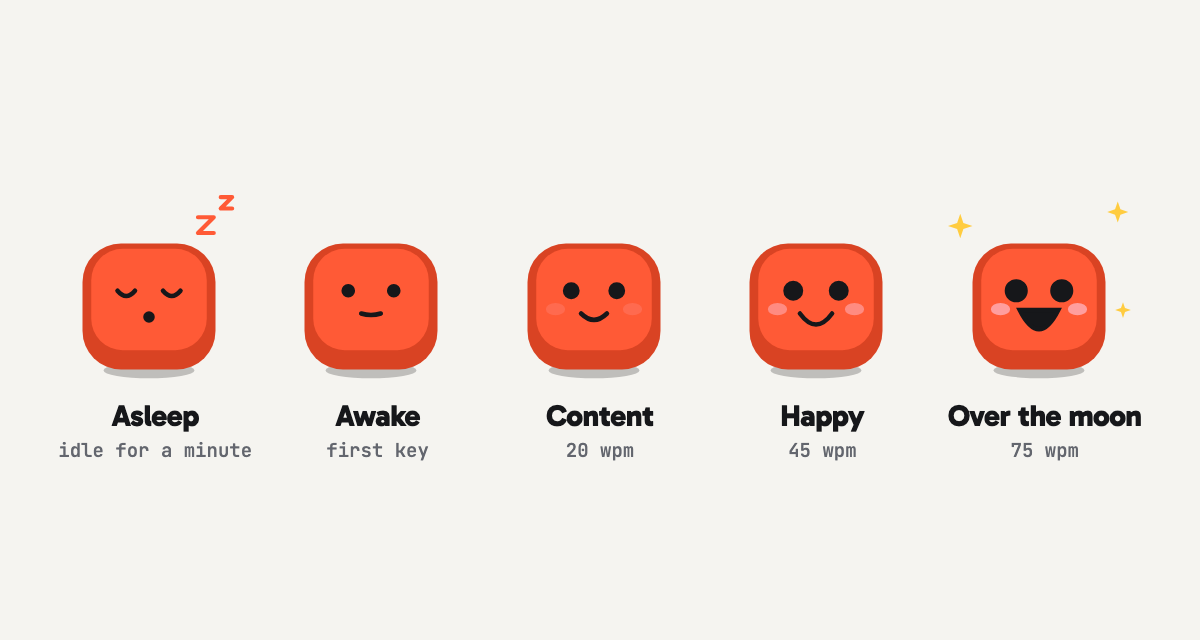
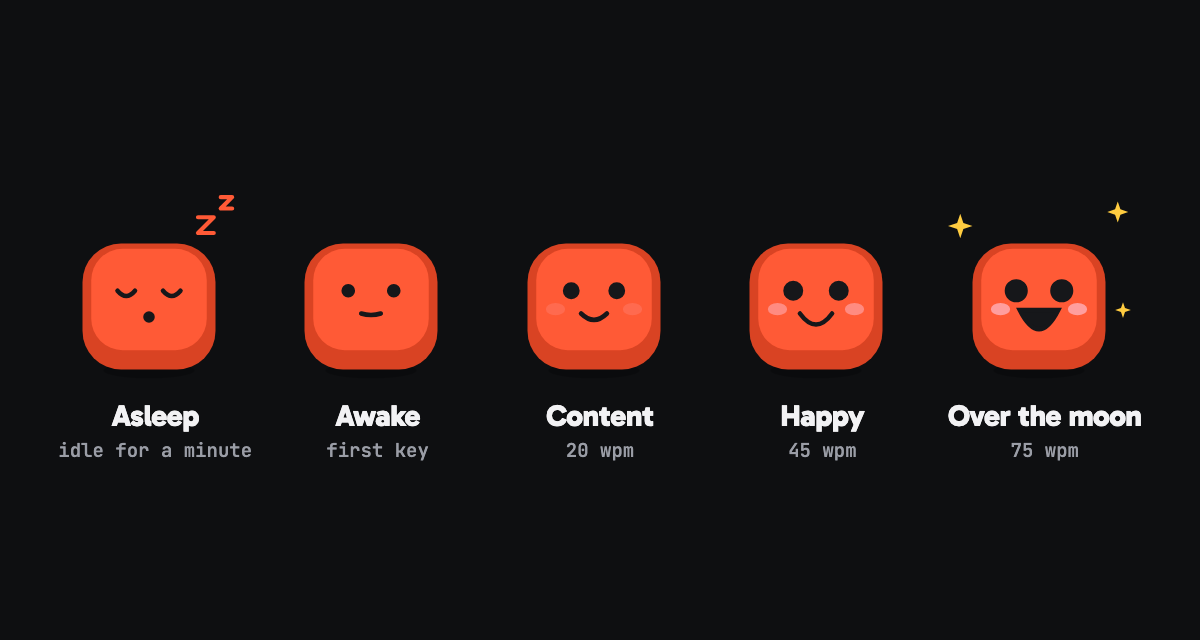
It sleeps until your first key. Then it gets happier as you speed up: content at 20 words a minute, happy at 45, over the moon at 75. Stop for 60 seconds and it nods off again.
Click the icon to search packs, star your favourites and set the volume. Right-click it to pause the sound.
Each pack has five takes of an ordinary key, plus its own space, return and delete. Pressing and letting go are two different sounds, the way they are on a real board.
Teclo needs to know that a key went down so it can play a sound. That's all it uses.
Teclo reacts to a key press and forgets it. What you type is never stored, logged or sent anywhere.
There's nothing to sign up for and Teclo has no server of its own. Your typing stays on your Mac.
To work out your speed, the pet keeps the timing of your recent key presses and a few counters. Never which keys.
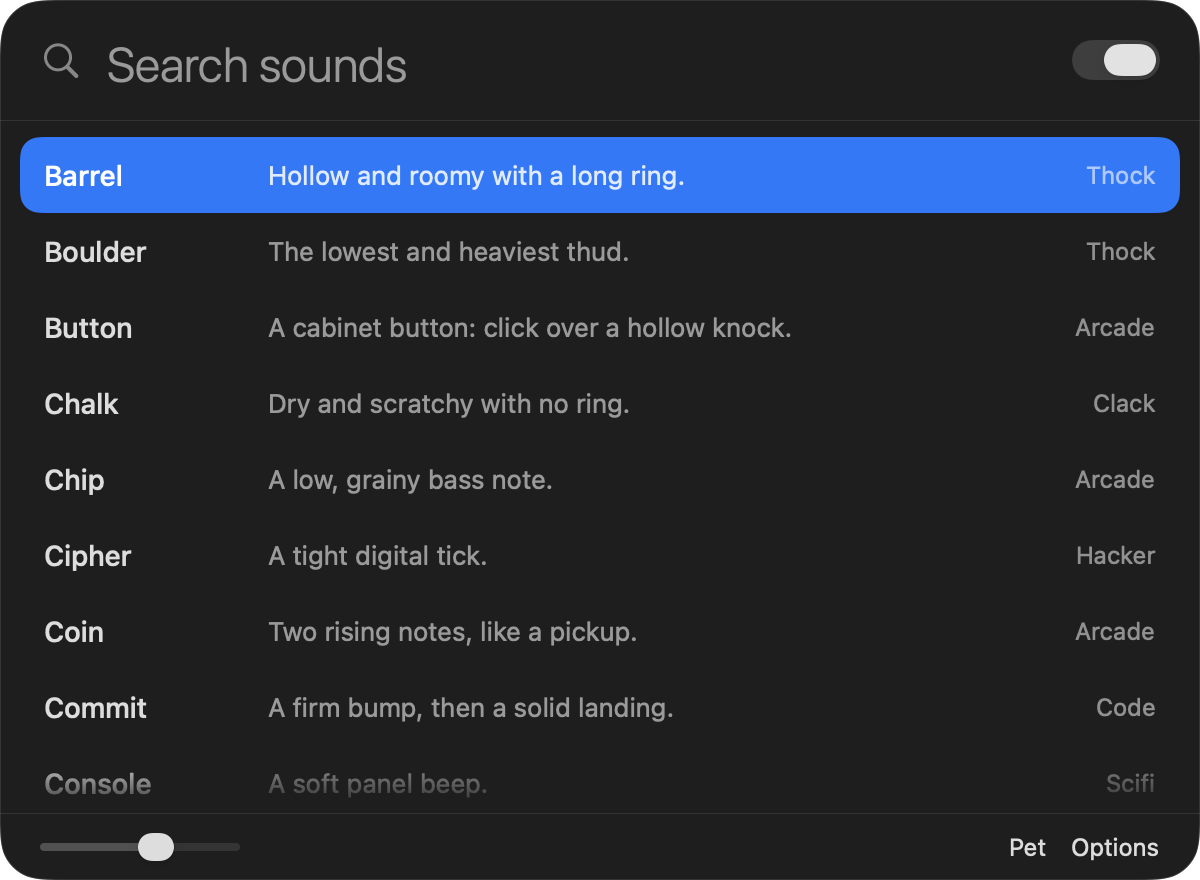
Search, a list of packs, a volume slider. This is the app's own screenshot, not a mock-up.
No subscription, no tiers. One purchase gets you all of it.
Teclo
$4.99
One-time purchase. This is the planned price; the Mac App Store listing has the final one.
Coming to the Mac App StoreTeclo is on its way to the Mac App Store. This page gets a download button the day it goes live.
No. It reacts to a key going down by playing a sound, and that's the end of it. What you type is never stored and never leaves your Mac.
That's the permission an app needs to notice key presses while you work in other apps. Without it Teclo can't tell when to play a sound. You can take it back any time in System Settings.
No. Every pack is synthesized by Teclo's own sound engine, which is how one small app carries 51 of them. The sounds on this page are the same ones the app plays.
No. You pay once on the Mac App Store and it's yours.
Yes. Open Options and untick “Show the pet”. You can also drag it anywhere on screen.
A Mac with macOS 13 or later.